Table of Contents
Networking
Cisco configuration
Initial switch and router configuration
To configure a Cisco switch for the 1st time and set a hostname, you need to do the following:
- Connect PC to switch using parallel/console connection
- Open terminal emulation program (i.e. Putty)
- Use serial connection (check Windows device manager - Ports(COM & LPT) to check which port to use)
- Speed: 9600
- Press connect
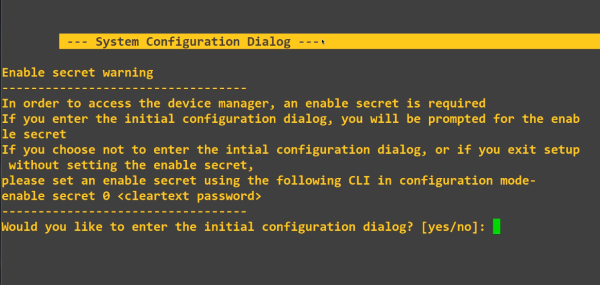
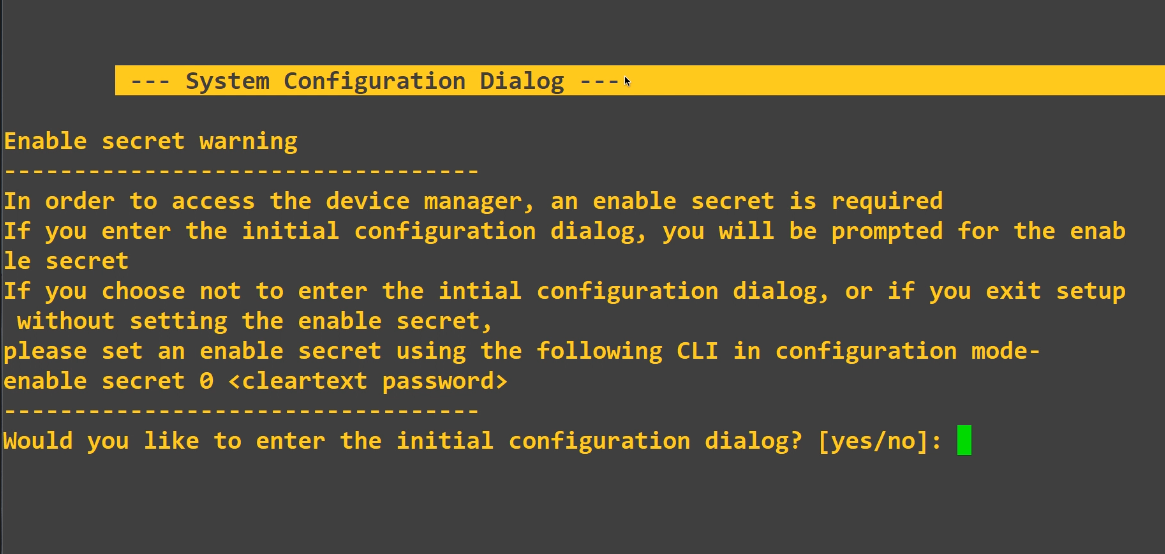
- If the switch has not been configured (or has had a factory reset) you're asked to enter the initial configuration dialog; type no!:
- Type the following commands:
    Switch>en                                    enable gets you into privilege mode (Switch# prompt)
    Switch#?                                     shows available commands
    Switch#conf t                                configure terminal enters global configuration mode
    Switch#hostname switch1                      sets the hostname
    Switch#end                                   back to privilege mode
    Switch#copy running-config startup-config    writes the config to switch
    Switch#disable                               back to usermode
- Initial mode is user mode (Switch> prompt)
- Typing enable gets you into privilege mode (Switch# prompt)
- Typing ? shows available commands
- Tab completion is available but if it's clear that only 1 command is available, finishing it is not necessary.
- conf t (configure terminal) enters global configuration mode (input from terminal)